Service
Website development on WordPress for blogs and business
The site exists, but touching it is frightening: the last edit broke something. Twenty plugins, no updates, pages loading slower every month. The question is not the platform, the question is who is watching it.
An honest framing
We pick the right tool — not the one we happen to know best
When WordPress is the right choice
- You need a content editor a non-technical team can actually use — Gutenberg and Advanced Custom Fields give you that out of the box.
- A corporate site or blog where content is updated weekly and SEO matters: Yoast / RankMath, structure, multiple languages.
- Budget and timeline are tight, but you need a live site with an admin panel — WordPress can launch in 2–4 weeks.
- You have an inherited WordPress site that needs extending or maintaining — not a full rewrite.
- Need a catalog, cart, and payments? That's a separate service with its own process — "E-commerce on WooCommerce" (link further down the page).
When a different stack is the better call
- The site turns into a web app: customer portals, roles, real-time calculations. That's a different class of task — Node.js + React works better for it.
- A catalog of over 50,000 SKUs with VIN search or complex filtering — WooCommerce can handle it, but a headless CMS solves this more simply and cheaper to maintain.
- The team is technical and wants TypeScript end to end plus full control over the codebase — then Next.js + Payload CMS is the closer fit.
What a WordPress project includes — custom development, not "install a theme and hand it over"
- A custom theme or a redesign of an existing one — no page builders, clean HTML + Tailwind CSS or BEM.
- ACF setup and Custom Post Types built around your content architecture, not whatever the theme author imagined.
- Integrations: CRM, 1C, contact forms. REST API and WPGraphQL — when WordPress acts as a headless backend for a Next.js frontend.
- SEO foundation: Yoast / RankMath, schema.org, sitemap, hreflang (UK + RU). Speed: caching (WP Rocket or Redis), image optimization, Lighthouse Mobile ≥ 85.
- Security from day one after release: core, plugin, and theme updates, Wordfence or equivalent, backups to external storage, HTTPS and security headers.
- Multiple languages (WPML / TranslatePress) — where needed. Editor guide plus a video walkthrough of the admin panel.
- Extending inherited sites — we take those on too. Technical audit → plan → execution. If someone else's WordPress can be maintained, we'll maintain it. If it needs a rewrite, we'll tell you honestly.
- WordPress
- Gutenberg
- ACF
- WPGraphQL
- RankMath
- WPML
- WP Rocket
- Wordfence
Case studies
WordPress sites that keep working after launch
 Print shop website
Print Pack
Print shop website that takes quote requests from any page
View project Consulting website
Mysefetycon
Workplace safety consulting website for the Canadian market
View project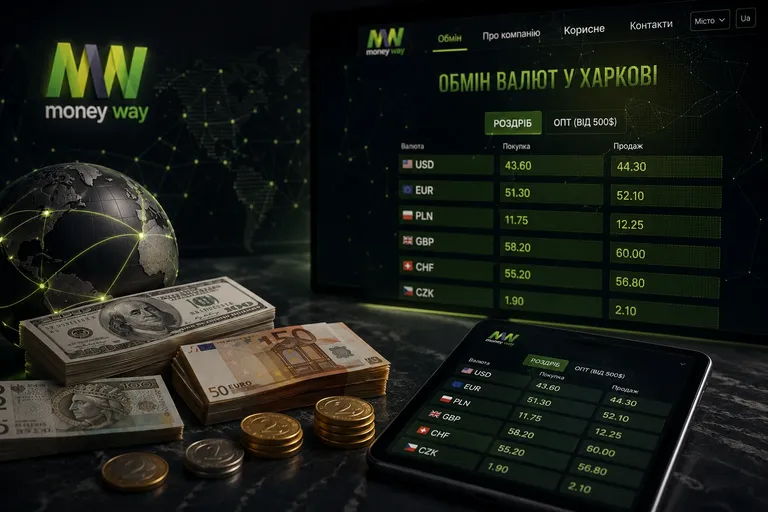 Exchange website
Moneyway
Currency exchange website with rates and the nearest branch upfront
View project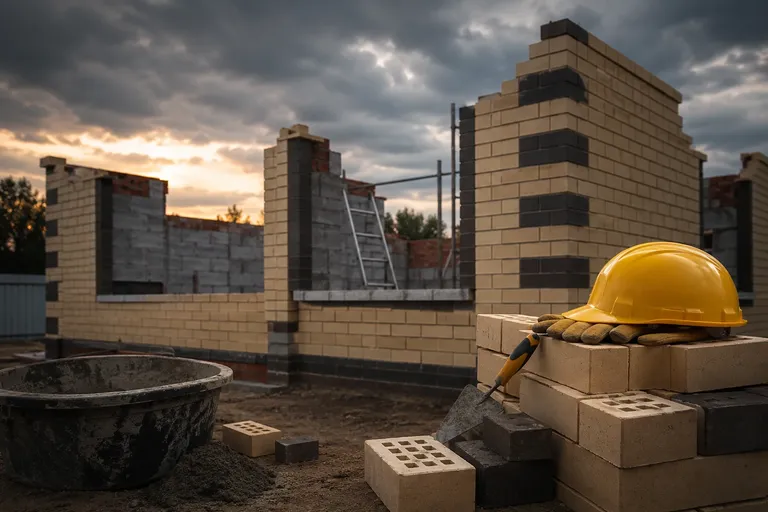 Construction website
Master City
Construction company website with prices and project photos upfront
View project Furniture maker website
Homegroup
Furniture maker’s corporate website that speaks six languages
View project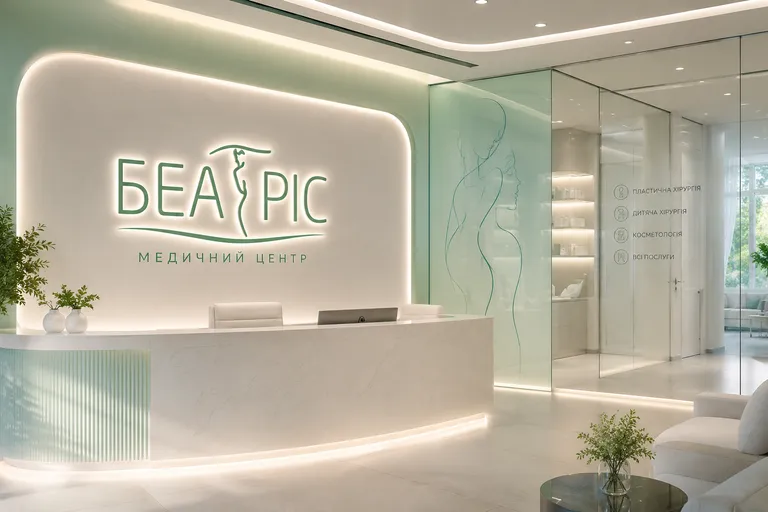 Medical center website
Beatris
Medical center website where patients find care and book online
View project
How we work
A WordPress project ends with the admin panel in your hands
Brief
30 minutes on Zoom: we work through the task, define the site type, and decide whether WordPress is the best fit here. If it isn't, we say so right away. Deliverable: a summary plus a rough budget and timeline range.
Content architecture
Sitemap, Custom Post Types, and field structure. This takes 2–3 days but spares you rework during development. Deliverable: a content ER diagram plus an agreed admin-panel structure.
Design and markup
Figma mockups for desktop, tablet, mobile. Markup — a custom theme without page builders. Three rounds of revisions within budget. Deliverable: final mockups plus a fixed price for development.
Development and integrations
We code the theme, plugins, and integrations (CRM, analytics, forms). Weekly deploys to staging. Deliverable: a working site on staging plus every integration plus populated content.
Launch
Migration, redirects from the old site, Google Search Console, analytics. Lighthouse check before release. Deliverable: a live site plus an editor guide plus 30 days of free support.
FAQ
Questions clients ask before we start
Let's talk
In 30 minutes with a developer, find out whether WordPress fits you
- 30 minutesOne-on-one online
- Flexible formatVideo or phone call
- Solution-focusedPractical answers

More detail
WordPress website development: when it's the right tool
WordPress website development is one of the most common requests we hear from businesses. And it usually comes not as "do you build on WP" but as "should we go with WordPress, or something more modern." We answer without the marketing.
WordPress powers 43% of all websites in the world not because it's "the best," but because it solves a specific range of tasks well. Blogs, corporate sites, content platforms, a non-technical editorial team — here WordPress has no cheaper alternative. The Gutenberg editor, thousands of plugins, a large pool of developers. If your task fits here, WP is the right choice.
Corporate sites and content platforms are exactly where WordPress shows its strongest side: an editorial workflow, multiple languages, an SEO structure a non-technical team can maintain. A blog with hundreds of articles, a corporate site in several languages, a media outlet with flexible post types — WordPress covers all of it out of the box, and cheaper than any alternative. And if the content needs a product catalog and payments alongside it, that's WooCommerce, which has its own page and its own process. E-commerce on WooCommerce →
A word on extending existing sites. Half the WordPress requests we get are "there's a site, something needs adding or fixing." We take them on. A technical audit shows what can be fixed and what it will cost. Sometimes a site is so neglected that a rewrite is simpler — then that's what we say, rather than charging for endless patching. Ongoing site maintenance — core and plugin updates, backups, security — we handle that too. Website maintenance →
When does WordPress stop being the right tool? When the site becomes a product: customer portals with complex logic, roles, real-time calculations, an API-first approach. At that point it's no longer a content site but a product — and the tool should be chosen to fit the product. In those cases we recommend a headless CMS — Payload or Strapi — or a full Next.js + Node.js stack. This isn't "WordPress is bad and the rest is good" — they're different tools for different tasks. Apricode builds on both, and our interest is in picking the right stack, not the one that's more profitable for us. Headless CMS →
If your case is a corporate site, a blog, or a content platform, WordPress website development will deliver results faster and cheaper than most alternatives. Let's talk through the details on a call — 30 minutes is enough to see what fits your project and roughly what it will cost: book a call →