before
Five tools and no shared picture
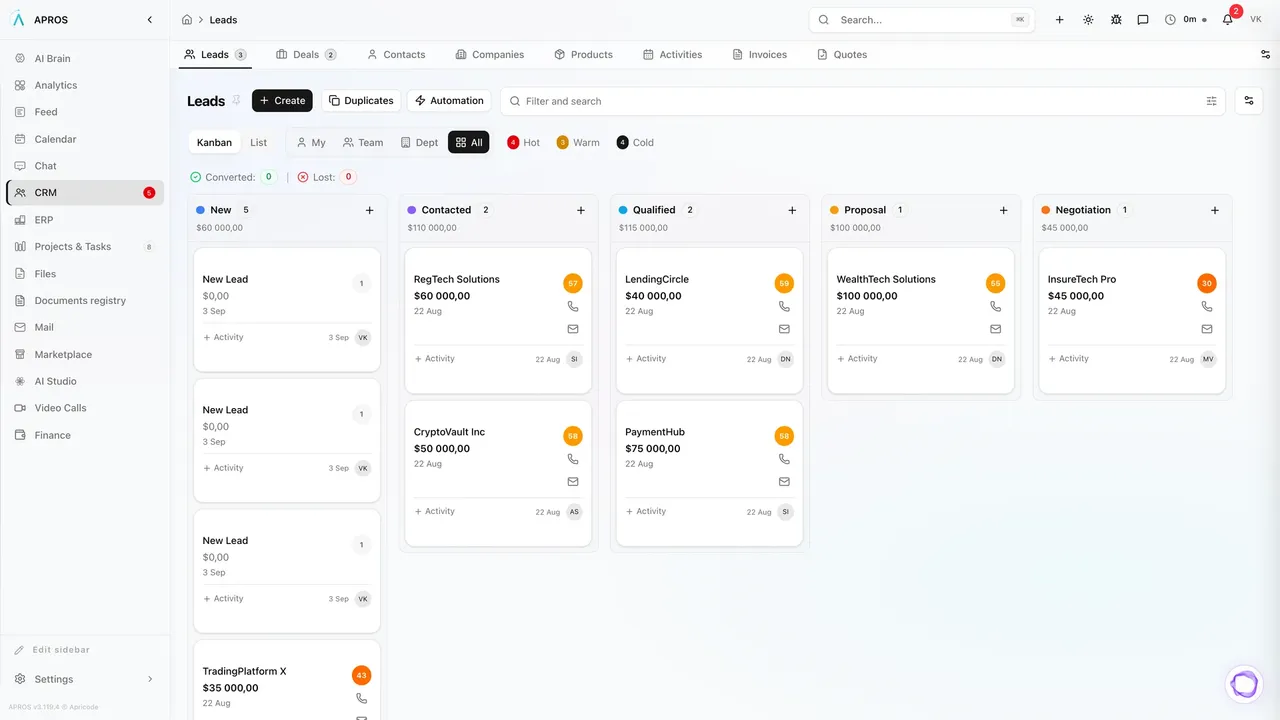
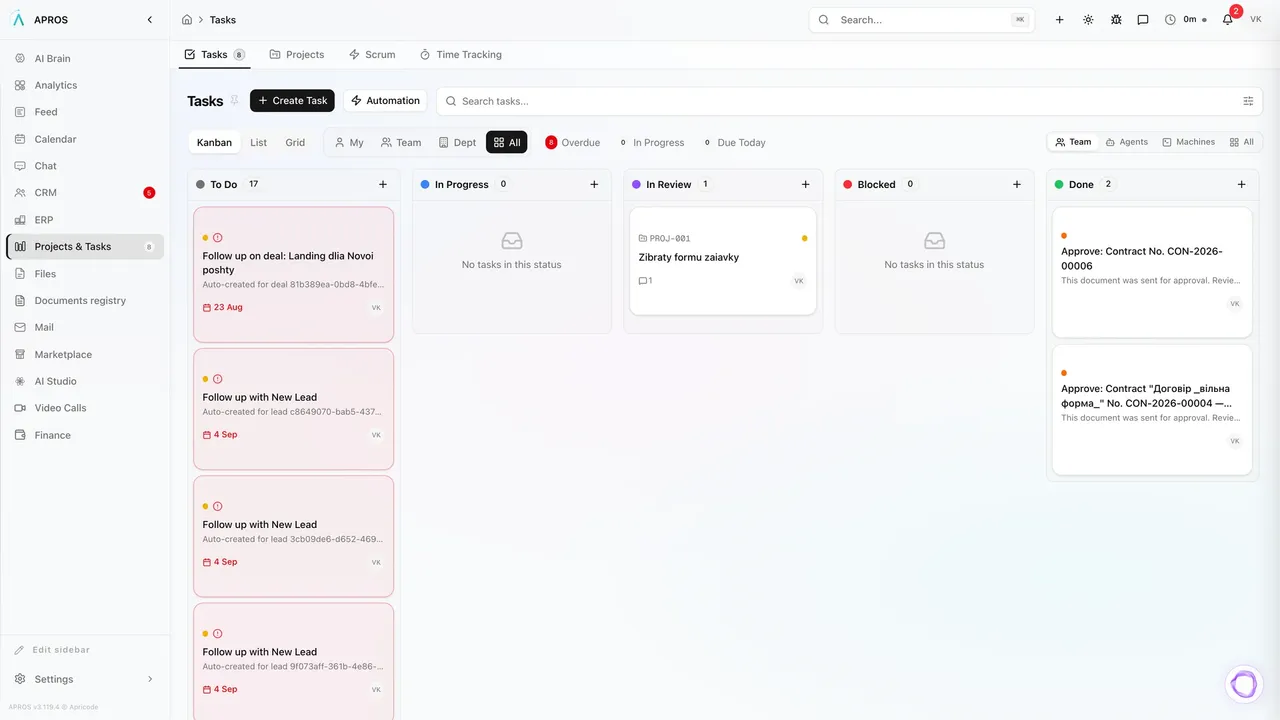
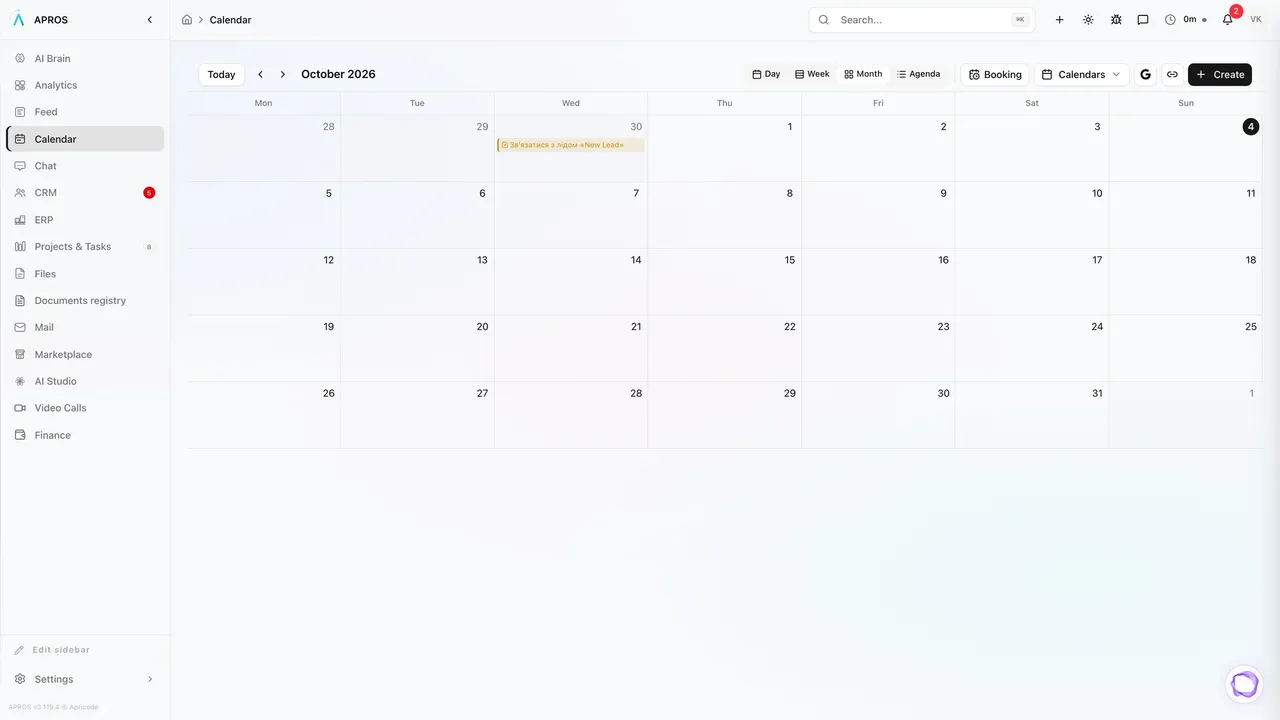
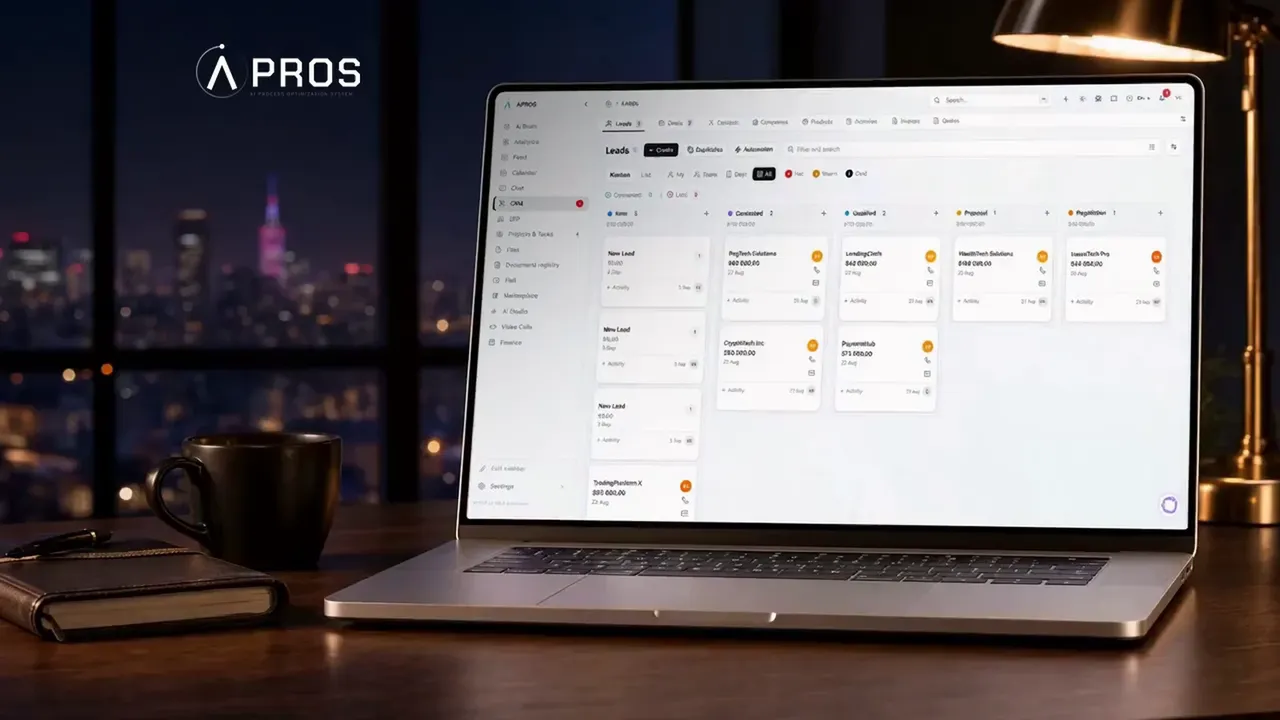
Leads live in messaging channels, deals in a spreadsheet, tasks in a separate tracker and documents in files. Reps lose time hunting for context, and the manager pieces the status together by hand.
Customer, deal, task and contact history sit in one place, so reps don't have to piece conversations back together from chats, spreadsheets and what colleagues remember. In the demo we run your usual process through the current version of Apros and write down which modules and integrations are available.
before
Leads live in messaging channels, deals in a spreadsheet, tasks in a separate tracker and documents in files. Reps lose time hunting for context, and the manager pieces the status together by hand.
after
Customer, contact, deal, task and related files are connected in one process. We choose the modules and channels based on how your team actually works, and put the list in writing.
01
The forms and channels we agree on create a record with its source and any context available.
02
We set up assignment rules, duplicate handling and a required next action to fit your team.
03
Connected channels and the contact history show up in one view.
04
Templates can pull agreed data from the record. We check the document set and the legal side separately.
05
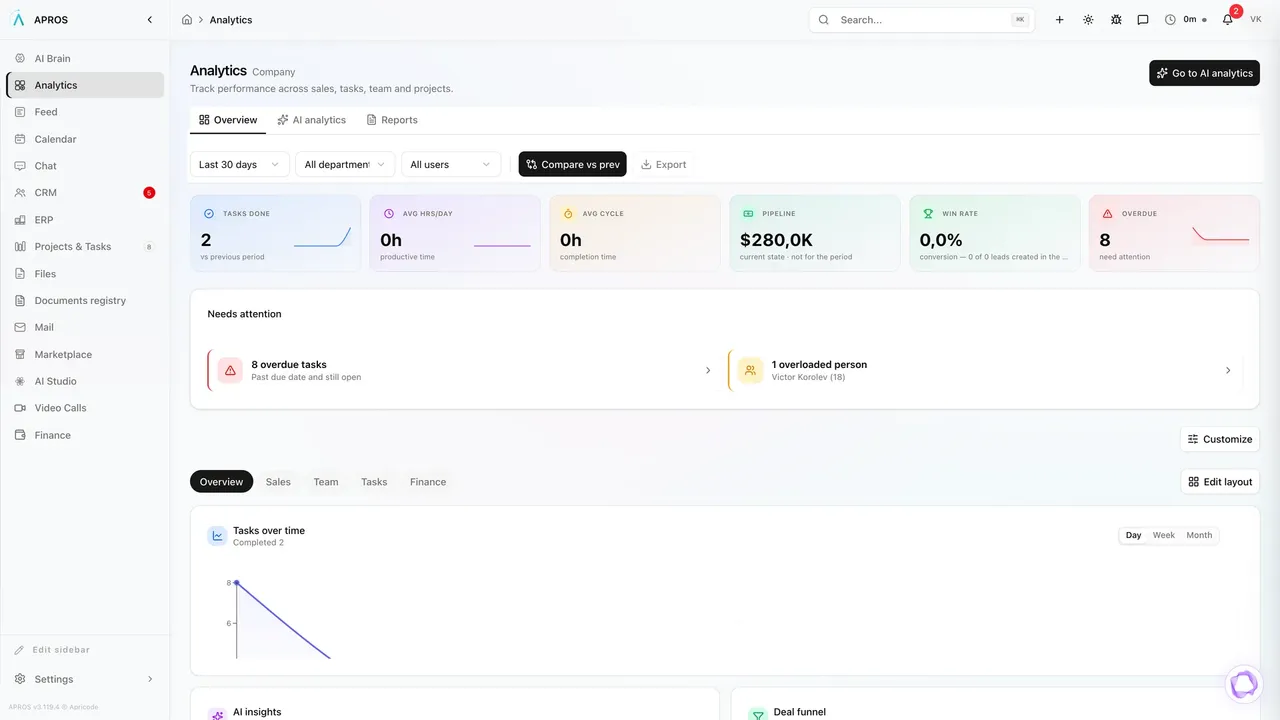
The dashboard shows only the metrics your team keeps reliable data for.
Sales04
Messages and calls04
Tasks and team04
Money and documents04
Inventory and orders04
Fitted to your process04
Connections to verify+
Telegram · Viber · WhatsApp · Instagram · Facebook Messenger · Gmail · Google Calendar · monobank · Privat24 · WooCommerce · VoIP · REST API
01
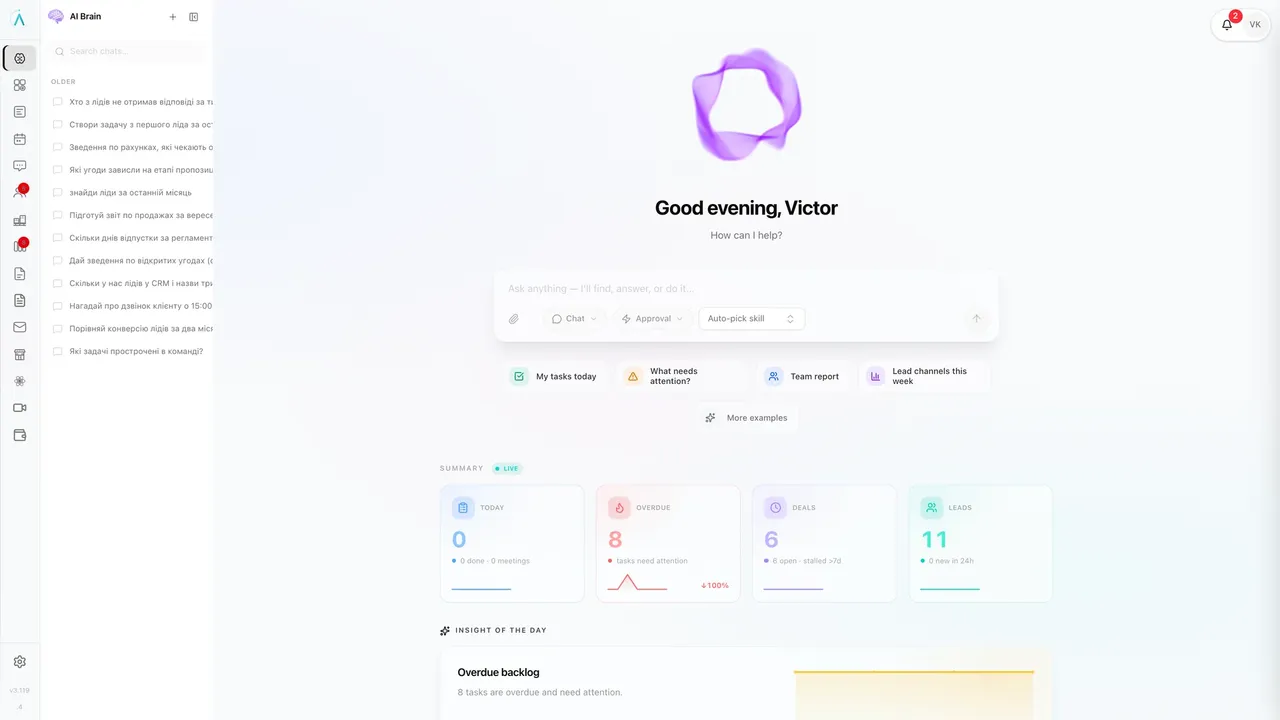
Ask in plain language, and the AI searches the data it's allowed to see or prepares an action. Sources, tools and log entries are set together with the agent's permissions.
02
The assistant can sort incoming messages, prepare a reply or create a draft lead. Whether it sends the reply itself or hands the chat to a person depends on the permissions you grant. Messenger and Instagram conversations are not sent to AI services.
03
Transcripts, summaries or call scoring depend on your phone system, the languages spoken and consent to processing. We switch this on only after testing the specific line and sample recordings.
04
The agent builder should show each agent's tools, permissions, sources and scenarios. For rollout we put in writing what's available and which actions need a person to confirm.
01
Searches, calculates and drafts an answer. Any change to data waits for approval.
02
Carries out allowed internal actions. Outbound messages and other sensitive steps wait for a person to decide.
03
Works within the permissions it's been given, and every action is logged. Calling it autonomous doesn't unlock forbidden actions.
Each agent gets its own level, tools and restrictions.
We handle our own inquiries in Apros and develop the product around the scenarios our team works through every day. In the meeting we show the current configuration, run your typical process and set the rollout scope in writing.
The written proposal for your team covers the deployment model, database, backups, encryption, logs and permissions. It also states whether you need a separate environment or special access levels, and who is responsible for the infrastructure.
architecture: Next.js, React, PostgreSQL, pgvector, Redis, LiveKit, OnlyOffice, Docker.
Apros is Apricode's own product, with customers, deals and team tasks in one place. For a comparison with other CRMs, we run the same workflow and set the modules, channels and AI actions it needs side by side, in writing.
The price depends on the modules you need, the number of users, data migration, integrations, infrastructure and support. After we run your process in a demo, you get a written estimate with one-time and recurring costs.
We estimate the migration once we have an export. We map fields and relations, sort out duplicates, then check a test sample. Our CRM implementation page explains the overall process.
We start with roles and the main pipeline, walk through daily scenarios and agree on instructions. The training plan and what people can do from a phone are set for the configuration you choose.
Through separate tools, permissions, confirmations and a log. We test allowed and forbidden actions with examples, and the contract sets the limits and who is responsible.
Before launch you get a written description of the deployment model, database, access, backups and export. It names who is responsible, how often backups run, the formats available and how restore works for the agreed configuration.
We check export formats, API access and what gets handed over before rollout, and put them in the proposal. They have to match your record types and integrations.
Apros is Apricode's own product, which we develop and use ourselves. In the demo and in the written rollout scope, we confirm how complete the modules you need are, what limits they have and what would need to be added.
Leave your name and a phone number or Telegram handle. In the demo we'll run a typical lead through the current version of Apros and note the modules, data and integrations needed for the estimate.
By pressing the button, you agree to the privacy policy
Kharkiv · Kyiv
// about CRM systems
A team needs a CRM once it can no longer reliably keep track of inquiries in people's heads, messaging apps and spreadsheets. When you choose a product, start with an ordinary working day. Where do leads come from, who picks them up, which next action is required and what does the manager need to see? With those answers, you judge any system against your real process, and the longest feature list no longer wins by default.
Map the path of a typical lead from the channel and the person responsible through qualification, proposal and payment to the close. For each stage, define the outcome and the next action. For example, after a call the rep records what was agreed and by when, and any overdue task lands in front of the manager. A scenario like this shows which records, fields, stages, tasks and reports your team actually needs.
During the demo, run that lead from first contact to outcome. Check whether anyone has to enter the same data twice, where the history is kept and how a colleague would pick up the work. Also walk through a lost deal, a returning customer and a change of rep. These situations often expose gaps in the process.
Stage names don't replace working rules. Each stage needs clear entry and exit conditions, required data and someone responsible. If a deal can sit without a task or move forward without key information, the report will show tidy numbers that say little about how sales are going.
Before launch, agree on which metrics the manager needs. These might be new inquiries, first response time, reasons for lost deals, the value of open deals or task completion. A metric should lead to a decision. If the team doesn't know what to do with a number, leave it out of the first version of the report.
Messaging apps, phone systems, email, calendars, banks and online stores change their APIs and terms. For each connection, the proposal should name the specific service, the direction of the data exchange, the trigger event, the fields involved and what happens if there's an error. A line like "phone system integration" doesn't say whether a contact gets created, where the recording is stored or who sees a missed call.
Someone should also own failures. The team needs to know where an error will show up, whether a transfer can be retried and which data to check by hand. If you need to connect several systems or stop entering the same data twice, take a look at our business process automation service.
Reps, managers and admins need different actions and different levels of visibility. Before the estimate, write down the roles, noting who sees all deals and who can edit reference lists, export data, delete records or manage access. This shapes both the setup and how the system is signed off.
CRM quality also depends on data entry rules. Required fields, reference lists and duplicate checks should help people do their work. A record that turns into a questionnaire just gets in the way. Data that doesn't lead to an action, a decision or a report just adds work.
Before the move, define the record types, fields, relations, duplicates, archive and records you no longer need. The test sample should include simple and tricky cases, such as a contact with several deals, a company, an old task, comments and unusual values. After the import, the team checks record counts, owners, stages, history and selected amounts.
Only after this check does it make sense to plan the full switchover. The plan sets the last date for entering data in the old system, who runs the final export and how the team works during the move. That lowers the risk of part of the team running deals in two places.
If your process needs AI, define one task for it, such as drafting a reply, summarizing a conversation, sorting inquiries or finding a record. Then set the sources, the tools it can use, the actions it may take without confirmation and the cases that go to a person. Test the result on examples from your own work, ambiguous requests included.
The written scope should cover access rules, the action log and how mistakes get fixed. That way you can judge what the scenario is worth and avoid giving automation more rights than the task needs.
The proposal should name the environments, backups, access, export format, API and who is responsible for the infrastructure. It should also describe how support requests are logged after launch, and what counts as a bug fix and what counts as a new change. Your team gets a clear way of working that doesn't rely on verbal agreements.
The budget depends on the number of users and roles, the modules you need, integrations, migration, infrastructure, training and support. After reviewing your scenario, Apricode puts in writing the scope of the first version, any custom work, one-time tasks and recurring costs. For a neutral comparison of options, start with our CRM implementation page.
If a key process doesn't fit the CRM modules, it can move into an integration or be designed as a separate web application. We decide from a process map, looking at where standard customer records are enough and where the business has its own rules, roles and calculations. This lets you estimate the first launch separately from the later stages you have in mind.