Real estate website where buyers can easily compare properties
Buyers compare options by location, price, size, status and completion, then ask about one specific property. We build the catalog around that path, and each inquiry reaches your manager with the listing attached.
From filters to an inquiry about a specific property
Prices start at $4,000 for an agency website in one language, with your materials ready. That covers a catalog in the CMS, 5–7 filters, a list with a map, a property page and an inquiry with the listing ID. Import from one CRM or feed starts at $500. Developer websites are estimated separately.
- 01
Property model
Type, location, size, price, features, status, media and the documents buyers actually need, all in one structure.
- 02
Filters
We keep the criteria buyers decide by. Rare technical specs stay on the property page.
- 03
Property page
Floor plan, photos, description, neighborhood, terms and the next step, all on one page.
- 04
Map
It shows the property's surroundings and stays linked to the catalog list. We add it when it helps buyers choose.
- 05
Statuses
We agree who updates "available", "reserved", "sold" and other statuses, and from where. Accuracy depends on a reliable source and an agreed update process.
- 06
Property inquiry
Each inquiry carries the listing's name or ID, so your manager knows right away what the conversation is about.
- 07
Catalog management
Fields and roles fit how your team actually works, with manual editing, an agreed import or an integration after we check the API.
Complex interfaces in several languages
 apricode.agencyA portal, a robot guide and case studies in one continuous space
 Tesla Model 3The car, its cabin and a configurator in one browser flow
 Coca-ColaA scrolling story leads to an invitation guests write themselves
 PeleusA marketing platform where every recommendation has a source and a follow-up check
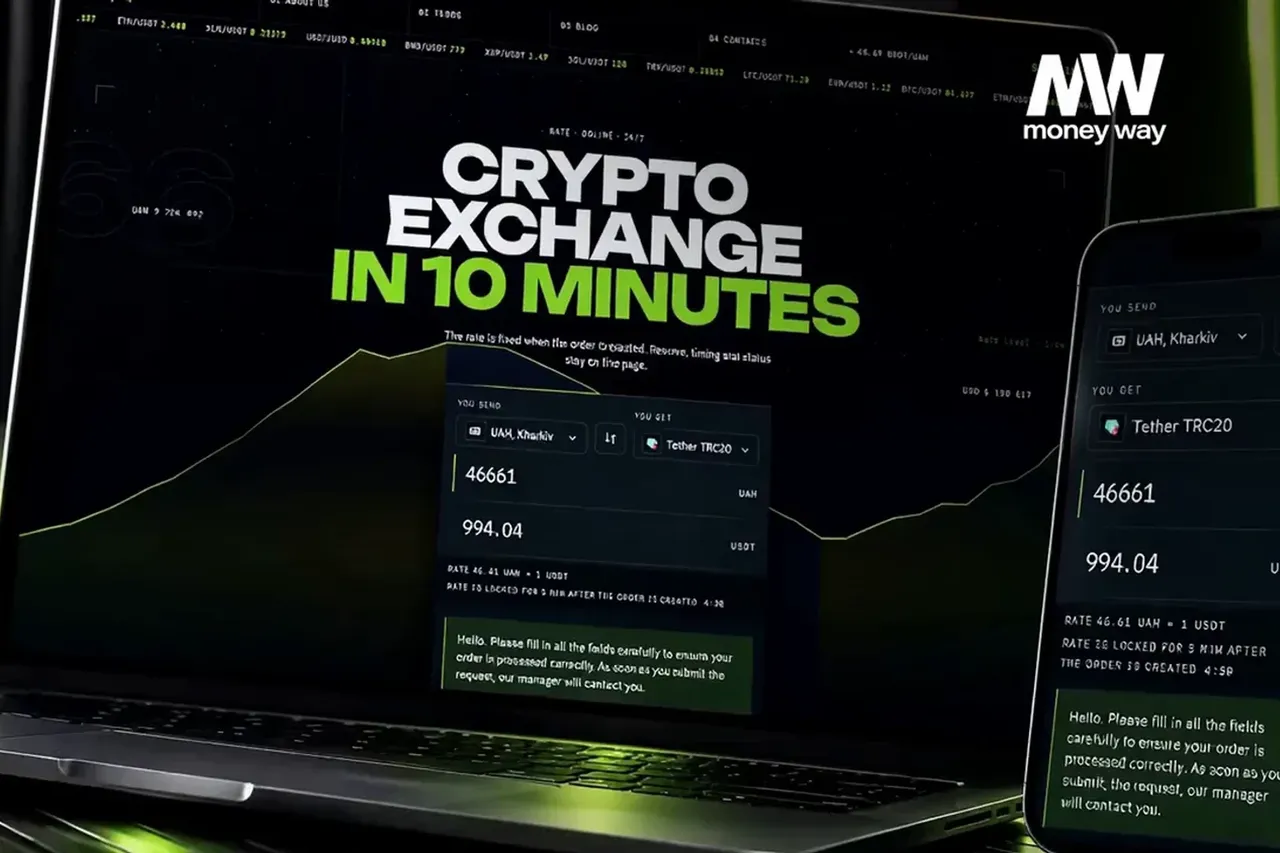 MW ExchangeA new web front end works with the existing exchange service via API
 Vela GroupBusiness payments and private exchange kept apart under one shared brand// portfolioAll case studies47 projects — websites, stores, SaaS→
Data first, then the interface
01
Discovery
We look at how buyers search for property, how your managers handle listings and where the current data lives today.
02
Catalog model
We define property types, fields, statuses, filters, the map and what goes on the property page.
03
Design and build
We design the key paths, build a responsive site and connect the agreed data source and inquiry form.
04
Testing and handover
We test search, filters, property pages and forms on real listings and show your team how to run the catalog.
01How is a real estate agency website different from a property developer's?
An agency usually works with many property types and owners, so it needs a flexible catalog, filters and fast listing updates. A developer more often needs a structure by project, phase, building and floor plan. At the start we map out your company's data model and build the catalog on it.
02Can we import listings from our CRM or another system?
Yes, if the system has a usable API or another controlled way to exchange data. Importing from one CRM or XML feed starts at $500. Before the estimate we check documentation, access, fields, update frequency and how to resolve data conflicts. If automatic exchange isn't available, we suggest a realistic manual or semi-automatic process.
03Can you add a map with search next to it?
Yes. First we decide which pins, district boundaries and filters actually help buyers choose. For a large catalog we separately assess performance, marker clustering and how the map works with the list.
04How do we stop a sold property from showing as available?
You need one defined source of status and a clear rule for who changes it and when. Until that exists, we don't promise real-time accuracy. The site can get data automatically or through an editor, depending on your current system.
05Is SEO included in development?
Development can cover the technical basics: clean URLs, metadata, a sitemap and editable property pages. Keyword research, local pages and steady growth in visibility belong to separate local SEO and SEO services.
Let's talk about your property catalog
Leave your name and a phone number or Telegram handle. We'll talk about your catalog, where the data comes from and what buyers should do on the site.
By pressing the button, you agree to the privacy policy
Kharkiv · Kyiv

// before the estimate
A real estate website starts with the data
A real estate agency website should help buyers narrow their choice, check what matters and ask about a specific listing. We start real estate website development with the data model. Which properties does the company sell or rent out, which statuses does it use, where do prices come from, and who keeps them updated? Until those decisions are made, even a well-designed catalog will soon show incomplete or outdated information.
Read more
Agencies and developers need different catalogs
An agency may handle apartments, houses and commercial space, for sale and for rent, all at once. It needs flexible property types and fast updates to listings from many owners. A property developer usually organizes the choice by project, phase, building, section and floor plan. We don't squeeze both models into one generic template. First we define the entities and how they connect, then we design navigation and property pages.
What data describes a property
The property model covers type, location, size, price, status, features, floor plans, media and the documents a buyer needs to decide. Comparable listings need the same fields, or filters and property pages will behave inconsistently. We also agree which data is required, which can stay empty and how to mark what's unknown. For a developer, the links between a complex, a building and a specific floor plan matter too.
Filters and a map without the clutter
Filters follow the buyer's logic: location, budget, size, number of rooms, completion date or other deciding criteria. Rare technical specs are better left on the property page, so the search form doesn't turn into a questionnaire. For the map, we decide whether it needs the exact address, the district, nearby amenities or the project's boundaries. On mobile we separately test switching between the list, the filters and the map.
Where prices and statuses come from
Your team can run a small catalog directly in the CMS. For a large database we check an import or an integration with your current system, including documentation, access, field mapping, sync frequency and error handling. Statuses like "available", "reserved" and "sold" should change by a set rule. Without a reliable source, the site can't promise real-time accuracy. Then the editors' routine is what keeps the catalog right.
The property page and the inquiry
The property page brings together features, floor plan, photos, terms, documents, location and current status for one property. The inquiry button passes on the listing's name or ID, so your manager sees right away what caught the buyer's interest. The form on the property page asks only for a name and a phone number or Telegram handle, so your manager clarifies the details after the first contact. More fields would mean changing the interface.
Where a regular website ends
From there, the inquiry can go to a CRM for your business. We define the direction and contents of that exchange after checking the systems. Saved listings, user accounts, personal selections, complex roles and data operations can turn a catalog into a web application. It's better to draw this line before the estimate, because a showcase site, a managed catalog and a digital product need different architecture and different testing.
Cost, migration and launch
A real estate agency website in one language starts at $4,000. That covers a property catalog in the CMS, 5–7 filters, a list with a map, a property page and an inquiry with the listing ID. Import from one CRM or feed is extra, from $500. Beyond that, the budget depends on the data model, the number of property types, language versions, integrations and user accounts. If you haven't settled on a format yet, start by comparing website types. When a new site replaces an existing one, we check old URLs, data quality and the transfer of photos, floor plans and documents. After launch your team runs the catalog in the agreed fields, and system changes can go to technical support.
We set the development stages and schedule once the catalog model, integrations and data preparation plan are agreed. If listings for migration or system access arrive late, the stages that depend on them move.
Before launch we test the pages and the whole life cycle of a listing: creation, price changes, reservation, sale and removal from the site. Test entries cover different types and incomplete data, so an empty field doesn't break a property page. We separately go through filters, the map and inquiries on mobile. Your team gets rules for statuses and media, so new listings stay consistent after handover.
For the estimate we need sample listings of each type, the list of statuses, your current price source, map requirements, languages and how your managers handle inquiries. If the data sits in several spreadsheets or systems, show us before design starts. That lets us separate what moves over automatically from what your team will need to clean up or fill in by hand.