
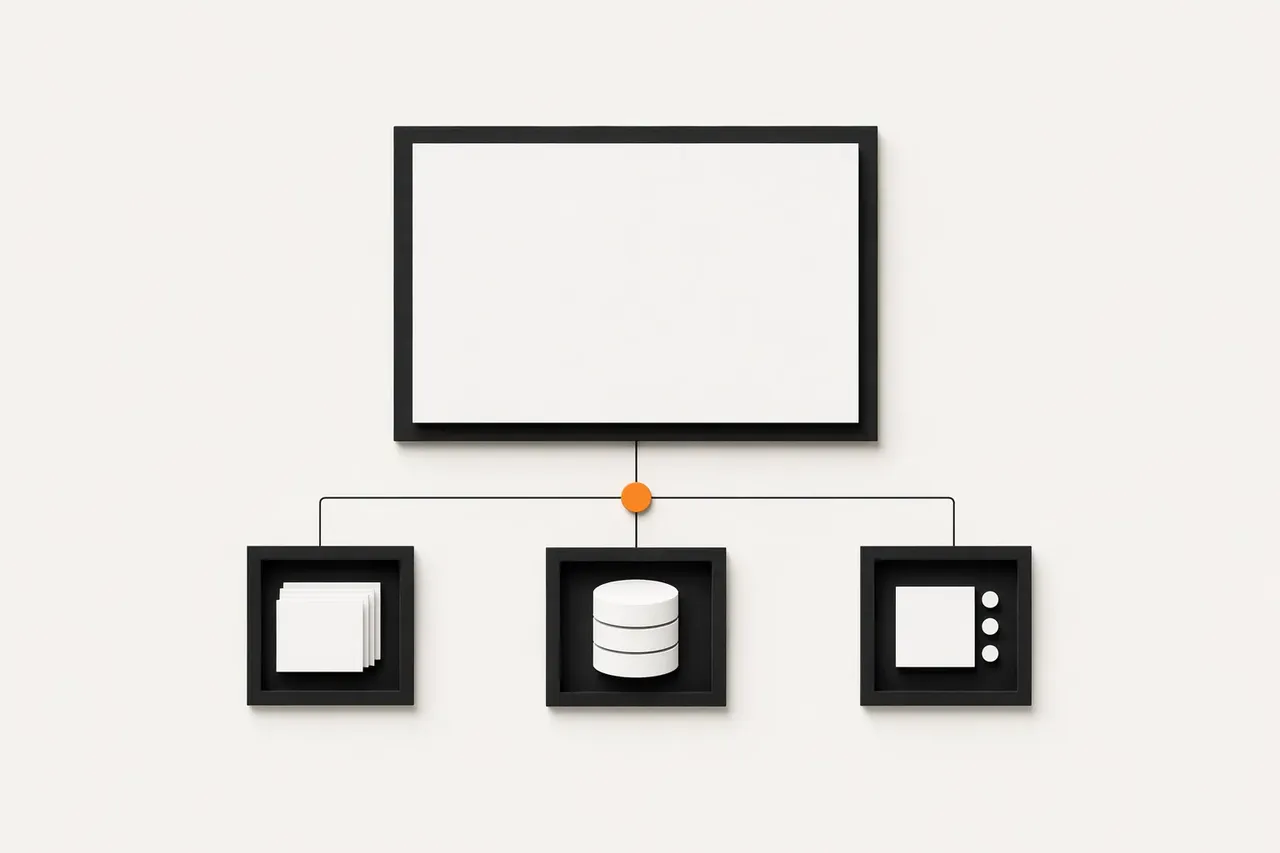
Jamstack is the right choice when a site's public pages can be built ahead of time and the changing data and user actions can move into separate APIs. In this setup, the frontend doesn't call the CMS server every time someone opens a page. Editors work with content in the CMS. The frontend pulls structured data at build time or through an API. Visitors get prebuilt files from a CDN.
The approach suits content sites, promo pages, corporate websites, and some catalogs. Forms, search, login, and payments don't go away. They run separately from the public markup and call the services they need at the moment of the action.
What is Jamstack?
A separate public frontend
Jamstack is an architectural approach in which the public frontend runs separately from the content management system and the business logic. A CDN serves visitors prebuilt markup, styles, and scripts. The CMS stores the content. Separate services handle the data and actions that can't be prepared in advance.
Markup forms the skeleton of the page: headings, text, images, navigation. JavaScript adds behavior in the browser: menus, filters, form validation, loading fresh data. APIs connect the frontend to the CMS, search, a payment provider, authentication, or an internal database.
Jamstack doesn't mean a site without dynamic features. A product or service page can be static, while the cart, account login, or checkout runs through a separate service when the user acts. What matters isn't whether there's JavaScript. It's where responsibility sits: public content shouldn't depend on server-side rendering for every page view.
Jamstack differs from a plain HTML site in its structure. An HTML site can be a set of files someone edits by hand. Jamstack gives editors a CMS and gives the frontend its own way to fetch and display data without being tied to a single templating engine.
When the choice is between a website builder and a custom architecture, start by deciding who will own the content and how the site needs to change over time. We cover this in Tilda or custom development: when each one pays off (Tilda is a drag-and-drop website builder popular in Eastern Europe).
Scenario: a content or marketing site
Content separate from the interface
Jamstack makes sense for a site built around public content: service pages, a blog, case studies, FAQs, promo pages, and informational sections. A corporate website often works this way: visitors read, move between sections, and send an inquiry through a separate form.
An editor changes an entry in the CMS: adds a service, publishes a case study, updates an FAQ answer, or edits a promo page. The frontend pulls the structured data, builds the page, and pushes the finished result to the CDN. Visitors open a prebuilt page instead of spinning up the CMS on every view.
Don't make the CMS the editing panel, the templating engine, and the public server all at once. When those roles are mixed, a design change means reworking templates, and switching frontend technology turns into a content migration.
A separate frontend decouples how content is presented from the content itself. The CMS stores page fields, blocks, images, and relationships between entries. The frontend decides how all of that looks in the browser. That's why you can change the design or the stack without copying text between systems by hand.
Pages that get edited often need a clear publishing workflow. After an entry changes, the CMS should trigger a rebuild or an update of that specific page. Otherwise, the editor sees the new text in the admin panel while visitors still see the old version.
Scenario: infrequent updates and traffic spikes
Prebuilt pages on a CDN
Consider Jamstack for a campaign, a public event, a media piece, or a promo page where content changes only now and then but audience interest can spike suddenly. The public part of the page needs to be ready before visitors arrive.
A CDN stores published files at its edge locations. When a user opens a page, the network looks for a ready copy close to them. The server doesn't have to assemble the markup again for every request. The network delivers a result that's already published.
This approach suits landing pages, product launch pages, event announcements, and pages that receive paid ad traffic. But a CDN doesn't remove the need to plan publishing. After a change to text, an image, or metadata, it has to be clear what happens to the previous version of the page.
A change in the CMS can trigger a new site build. Another option is to regenerate the affected page and purge its cache. The right choice depends on how the content is structured and how pages link to each other.
The failure here is simple: an editor publishes a change, but the cache keeps serving the old file. Before launch, decide who triggers updates, which pages they affect, and how the published version gets checked. A CDN delivers finished content, but it doesn't control the publishing process.
Jamstack for catalogs and e-commerce: what stays dynamic
The catalog and live data
A Jamstack catalog doesn't mean the whole store becomes a set of frozen pages. Categories, product pages, collections, brand pages, shipping policies, and editorial content can be built ahead of time. They have a clear structure and don't depend on a specific shopper at the moment they're opened.
The CMS stores the product name, description, images, attributes, and category relationships. The frontend receives that data and builds the public pages. If a manager edits a description or adds a product, the publishing workflow has to update the relevant pages. Otherwise, the catalog will show two versions of the same entry, one in the CMS and one on the site.
But a store is more than its catalog. The cart depends on what the user does. Stock levels and prices have to come from a live data source. A personalized offer is tied to a specific account. Checkout, payment, and shipping shouldn't rely on data prepared when the page was built.
These parts run through APIs or on the client, if that fits the product's logic. A product page can be prebuilt while the "Add to cart" button calls the cart service. At checkout, the system separately verifies product availability, shipping terms, and the customer's details.
The question isn't whether you can call a store a Jamstack project. You have to define the line between public content and data that can't be served from cache. If the store's main complexity lies in transactions, personalization, and internal processes, server-side dynamic rendering may be the more sensible foundation.
Comparison
The choice depends on the scenario
| Criterion | Jamstack | Traditional CMS | Server-rendered dynamic application |
|---|---|---|---|
| Type of content | Best for mostly stable content: pages, articles, documentation, catalogs | Convenient for content that editors create and update often through an admin panel | Makes sense when content is closely tied to the user's current actions and data |
| Update frequency | Works well when changes can be published through a build or a cache refresh | Fits regular editorial changes without rebuilding the site | Better for data that has to appear right after it changes |
| Personalization | Limited without client-side services or separate functions | Possible through plugins, but often makes maintenance harder | The natural choice for user accounts, roles, recommendations, and per-user states |
| Real-time data | Needs external services, client-side loading, or serverless functions | Can be supported, but it isn't a typical strength | Best fit for chats, statuses, availability, notifications, and streaming data |
| Performance of public pages | Depends on pre-generated pages and delivery through a caching network | Depends on the server, theme, plugins, and cache configuration | Depends on how efficient the server logic, database, and caching are |
| Content editing by non-technical teams | Needs a user-friendly headless CMS or a structured publishing process | Usually the easiest: editors work in a familiar admin panel | Needs a purpose-built content management interface |
| Infrastructure complexity | Simple for static sites, but grows with integrations, forms, and authentication | Needs hosting, core and plugin updates, and admin panel hardening | Needs management of servers, the database, sessions, security, and scaling |
| Typical use cases | Marketing sites, blogs, documentation, portfolios, content projects | Corporate websites, editorial media, sites with an active content team | Customer portals, marketplaces, booking, financial services, complex internal systems |
| When to choose it | When the priorities are secure public pages and mostly unchanging content | When the main need is convenient, regular content editing in a familiar environment | When personal data, transactions, complex rules, and constant server interaction are central |
How to separate the CMS and the frontend without tangling them
Clear boundaries between systems
Decoupling the CMS from the frontend doesn't start with picking a platform. It starts with agreeing on where each system's responsibility ends. Before development, pin down where the content lives, which fields each page type has, where the frontend gets its data, and who owns each integration. Otherwise, one team builds the entry structure while another expects the data in a different format.
A headless CMS should deliver structured data: a title, a description, images, blocks, and relationships to other entries. Not ready-made HTML tied to a specific template. Then the frontend decides how to present that data: on a service page, in a card, in a collection, or in some other interface.
Before kickoff, document:
- content models and required fields;
- relationships between pages, entries, and media;
- API contracts for the frontend and external services;
- the workflow that takes a change in the CMS to the published site;
- who is responsible for integration errors and data format changes.
The confusion starts when content, display logic, and integrations all live in one place. A frontend change then stops being an interface swap and becomes a migration of the entire site: templates, entries, forms, and connections to external systems.
The Headless CMS / Jamstack approach draws a different line: the CMS manages data, the frontend handles presentation, and integrations run through defined exchange points. That makes it easier to see exactly what changes when the design, the content model, or a third-party service changes.
When not to choose Jamstack
Dynamic features at the core of the product
Jamstack can be a poor default when a product's value comes not from public pages but from constant work with a specific user's data. A user account area, a complex checkout, approvals between roles, status changes, or data that has to update instantly all need server-side logic at the center of the system.
The problem isn't that there are no APIs for these features. There are. But moving each action into a separate service doesn't remove the complexity. It spreads it across authentication, permissions, order state, error handling, and data exchange between systems.
If one user changes a request and another participant in the process has to see that change without delay, a prebuilt page from a CDN doesn't solve the core problem. You need to manage current state, check permissions, and prevent conflicts between different users' actions.
Be equally careful with products where price, availability, terms, or the interface depend on the user's current context. Some public pages can move into a separate frontend. But the core of the system is better built around server-side logic than by turning every dynamic action into an exception.
Jamstack doesn't have to be ruled out entirely. It can still fit the blog, help center, marketing pages, or catalog. Just don't make it the foundation where the product depends on constant interaction with live data.
How to choose the architecture for your site
Architecture built around real scenarios
Choose a site's architecture once it's clear what actually needs to happen on its pages. Not based on the name of a CMS, and not on a friend's advice. A content site and a service with user accounts can look alike and still need different foundations.
Before work begins, it helps to go through a few questions:
- If the site is mainly service pages, articles, case studies, a catalog, or a help center, the public frontend can be separated from the content management system.
- If the value comes from user actions (checkout, approvals, status changes, handling personal data), server-side logic has to be part of the core architecture.
- If pages change through editorial work, you need a publishing workflow: what exactly gets updated after an entry changes in the CMS.
- If data can't be cached, don't bake it into a prebuilt page. Price, access, request status, or personalized content should come from a live source.
- If you need authentication, describe roles, permissions, sessions, and the actions available to each role separately.
- If the site exchanges data with payments, shipping, a CRM, or other services, assign responsibility for each exchange point.
- If someone other than a developer edits content, the CMS models should match the real page types and fields, not the structure of whatever template happened to be used.
- If public pages can be separated from the user account area, they don't need to run on the same dynamic system.
Record these decisions in the site structure and the integration diagram before design starts. Otherwise, people on the project may call a feature by the same name and picture a different amount of work. How to get from structure to mockups is covered in Website design stages: from the brief to handing mockups off to development.
Conclusion
The line between content and data
Jamstack makes sense where public content can be prepared in advance and dynamic actions can move into separate APIs. For a marketing site, a blog, a help center, or promo pages, the scheme is straightforward: the CMS stores the content, the frontend displays it, and visitors get a prebuilt page through a CDN.
Products whose interface constantly depends on a specific user's live data need a different starting point. User accounts, complex transactions, approvals between roles, and state-changing workflows need a system where server-side logic is the foundation.
Don't start the choice with a CMS or a framework. First describe what content the site publishes, which systems it exchanges data with, and which user actions have to happen while it runs. Then the line between prebuilt pages and dynamic services becomes a decision, not a guess.
Jamstack FAQ
Answers to the main questions
What is Jamstack in simple terms?
Jamstack is an approach in which the public frontend is built separately from the CMS and served through a CDN. The CMS stores structured content. Forms, search, authentication, and other dynamic features run through separate APIs.
Is Jamstack a good fit for a corporate website?
Yes, if the site is built around public service pages, case studies, a blog, FAQs, and contact forms. The CMS remains the place where content gets edited, and the frontend doesn't depend on it every time a page opens. For the structure of such a project, it's worth looking at corporate website development separately.
Can you build an online store with Jamstack?
Yes, if you separate the public part from the data that changes. Categories, product pages, and editorial content can be prebuilt pages. The cart, stock levels, payment, shipping, and personalized terms should get live data through APIs.
How is Jamstack different from a regular CMS website?
In a regular CMS, one system often stores the content, renders the template, and serves the page to the visitor. With Jamstack, the CMS is a data source, and a separate frontend decides how to display that data.
When is Jamstack not a good fit for a website?
Don't use Jamstack as the foundation when the product's main value depends on personal data, complex transactions, or constantly updating state. In those scenarios, server-side logic should be the central part of the system.
Can you edit content on a Jamstack site without a developer?
Yes, if the CMS has the right content models and fields set up for editors. You also need a defined publishing workflow that passes the changed data to the frontend and updates the relevant pages.