
Tesla Model 3
The car, its cabin and a configurator in one browser flowindependent concept · 2026
02 // about the project
independent conceptA guided tour of the car instead of a photo gallery.
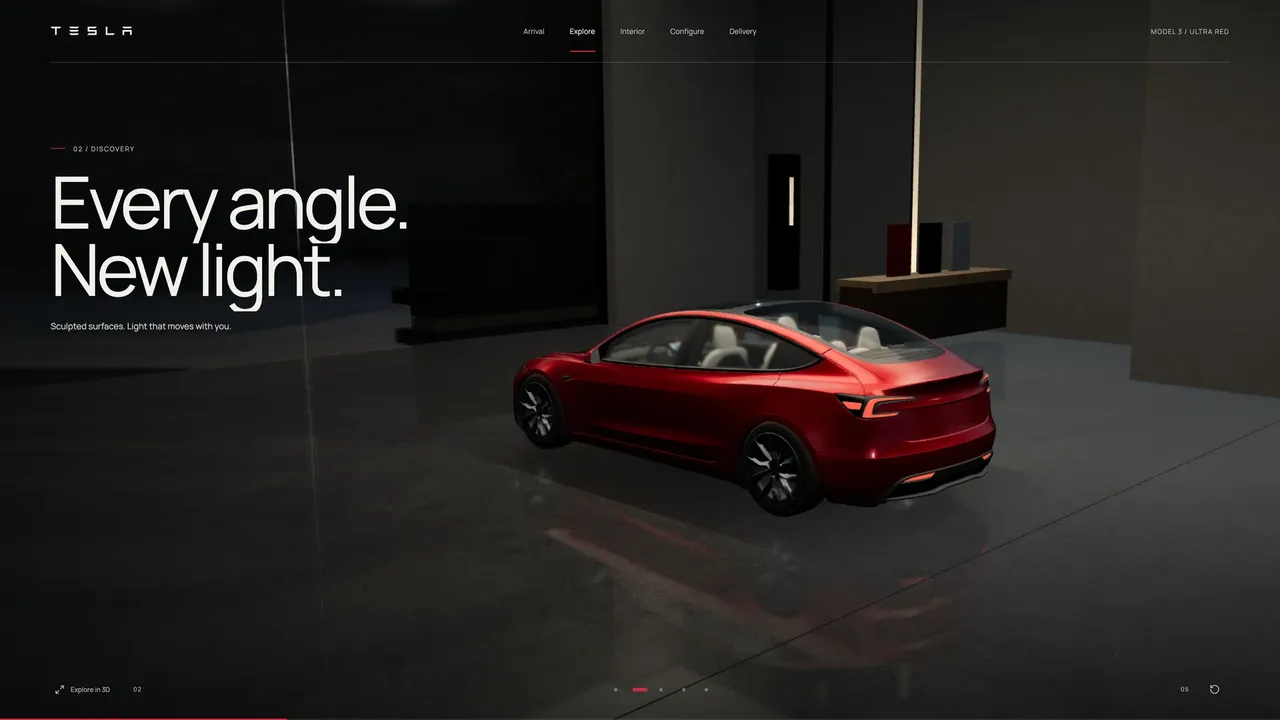
With a complex physical product, static photos show the details one by one but never let you feel them as a single object. In the Tesla Model 3 concept we built a continuous tour in the browser. The car appears in a showroom, the camera changes angle, a window opens onto the cabin, and the final scene moves into the settings.
Apricode was responsible for the idea, the 3D scene, the design and the build of the concept. The project shows how a striking tour can lead, step by step, into clear product controls.
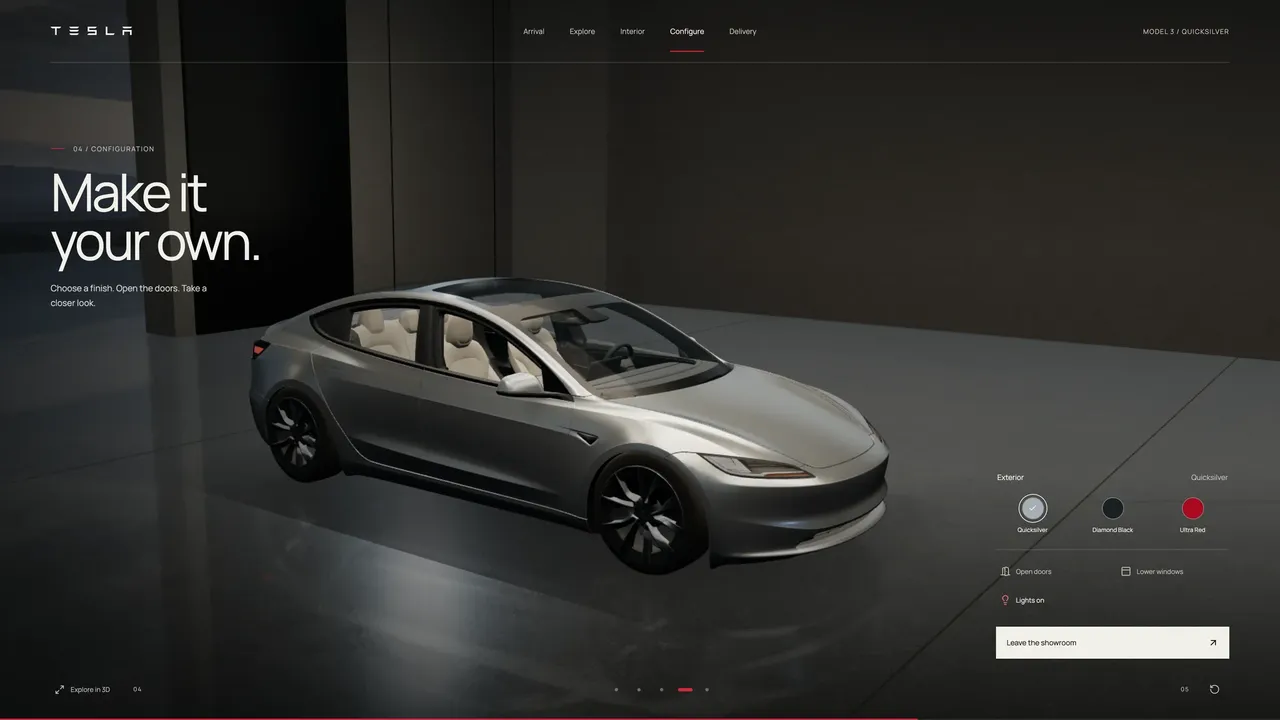
We built a browser demo with a 3D model of the Model 3, a continuous tour of the exterior and cabin, and interactive settings for color, doors, windows and lights.
03 // what we did
idea, 3d scene, ux/ui and demo development- 01
3D showroom instead of photos
Every angle is joined into one guided route around the car.
- 02
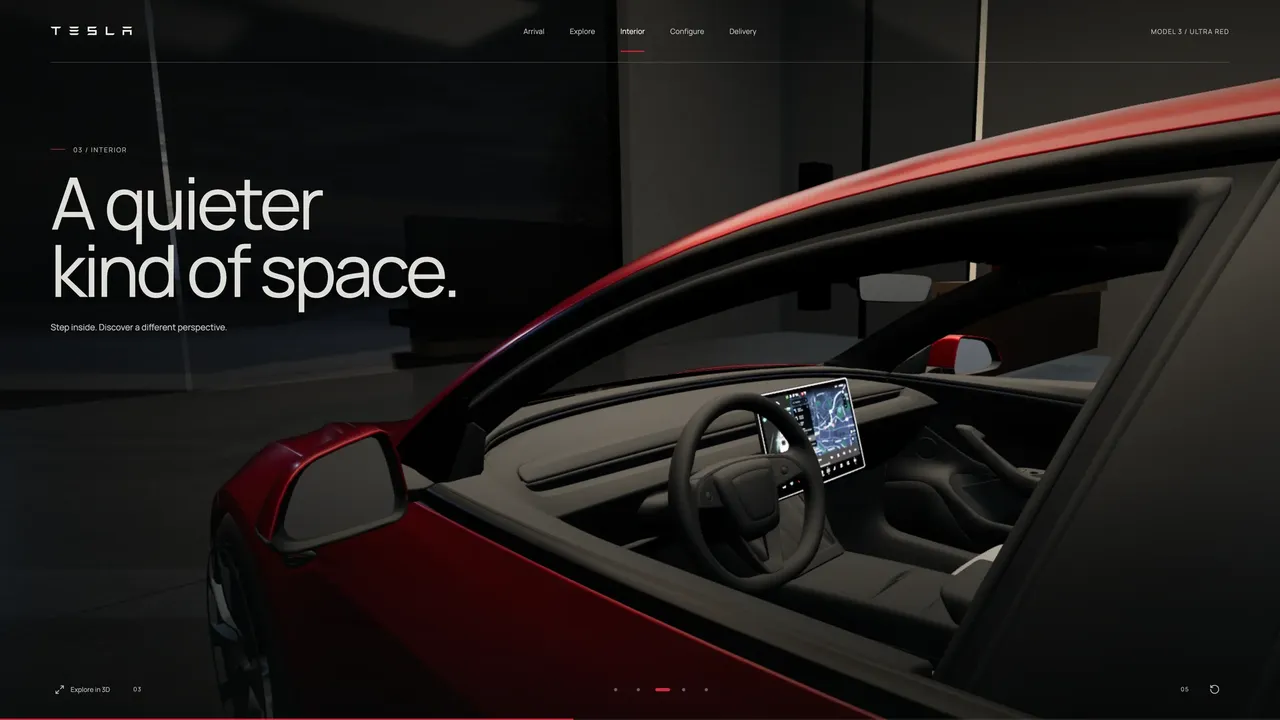
Cabin view
The window lowers, and the camera moves to the steering wheel, center screen and trim.
- 03
Configurator in the final scene
Color, doors, windows and lights change on the model without a page reload.
- 04
Mobile composition
The car and the control panel fit within a phone screen.
04 // screens
tesla.apps.apricode.agency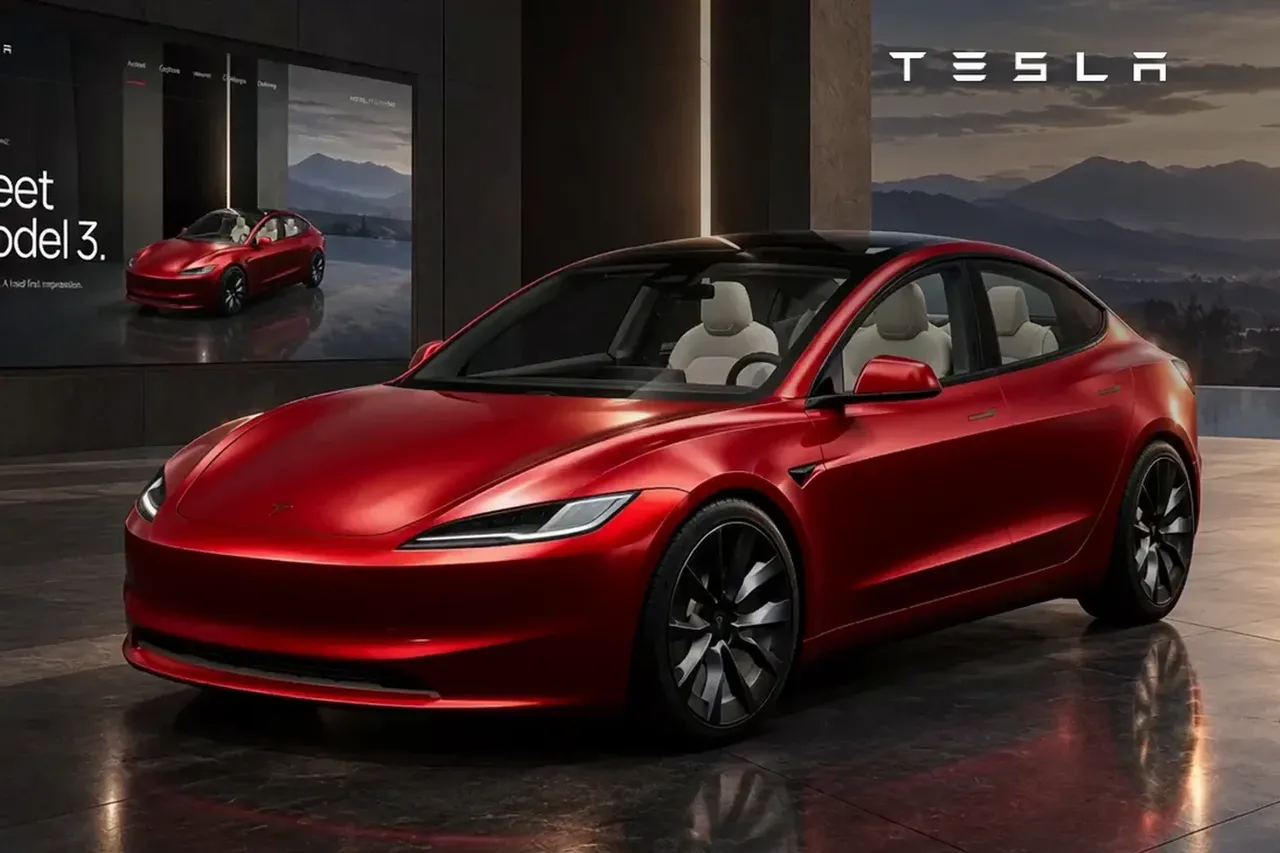


05 // how it works
4 steps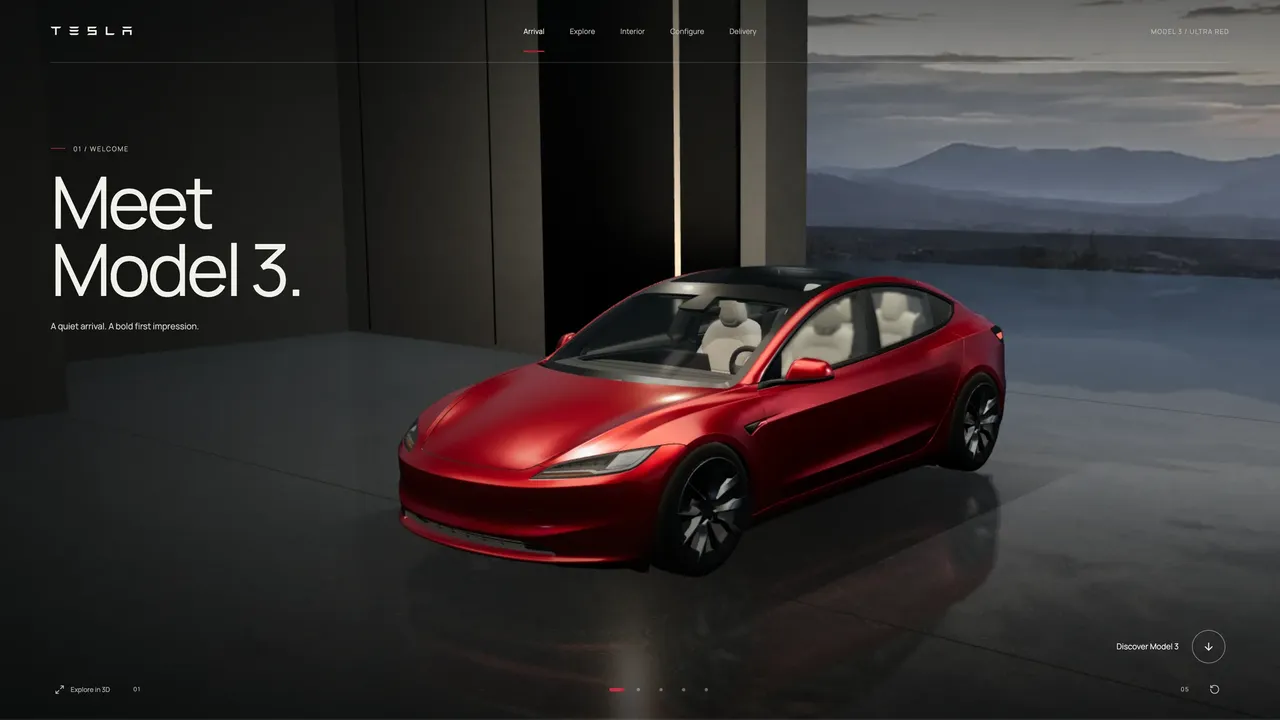
Need a similar project?
30 minutes on Zoom: we’ll go through the task, show how we would do it for you, and name the timeline and cost.